Cashless Canteen Payment System: What It Is and How HR and Procurement Should Plan
Key takeaways
- A cashless canteen payment system lets staff pay with a staff card, QR code or electronic wallet instead of cash or paper coupons, so queues move faster and meal welfare is easier to track.
- Keep the organisation's meal-subsidy wallet separate from each person's own wallet, and write an offline backup plan for when the network fails.
- Before you buy or sign, ask about reports, vendor settlement, data access rights and how the setup differs by site type.
Long lunch queues, staff counting change and missing coupons are familiar to many HR and facility teams. Planning a cashless canteen payment system therefore comes up often in factories, in hospital staff canteens and in international schools. This article is general guidance for HR, procurement and facility managers. It is not legal or accounting advice, and it does not recommend any payment-system vendor.
What is a cashless canteen payment system, and how does it differ from cash or coupons?
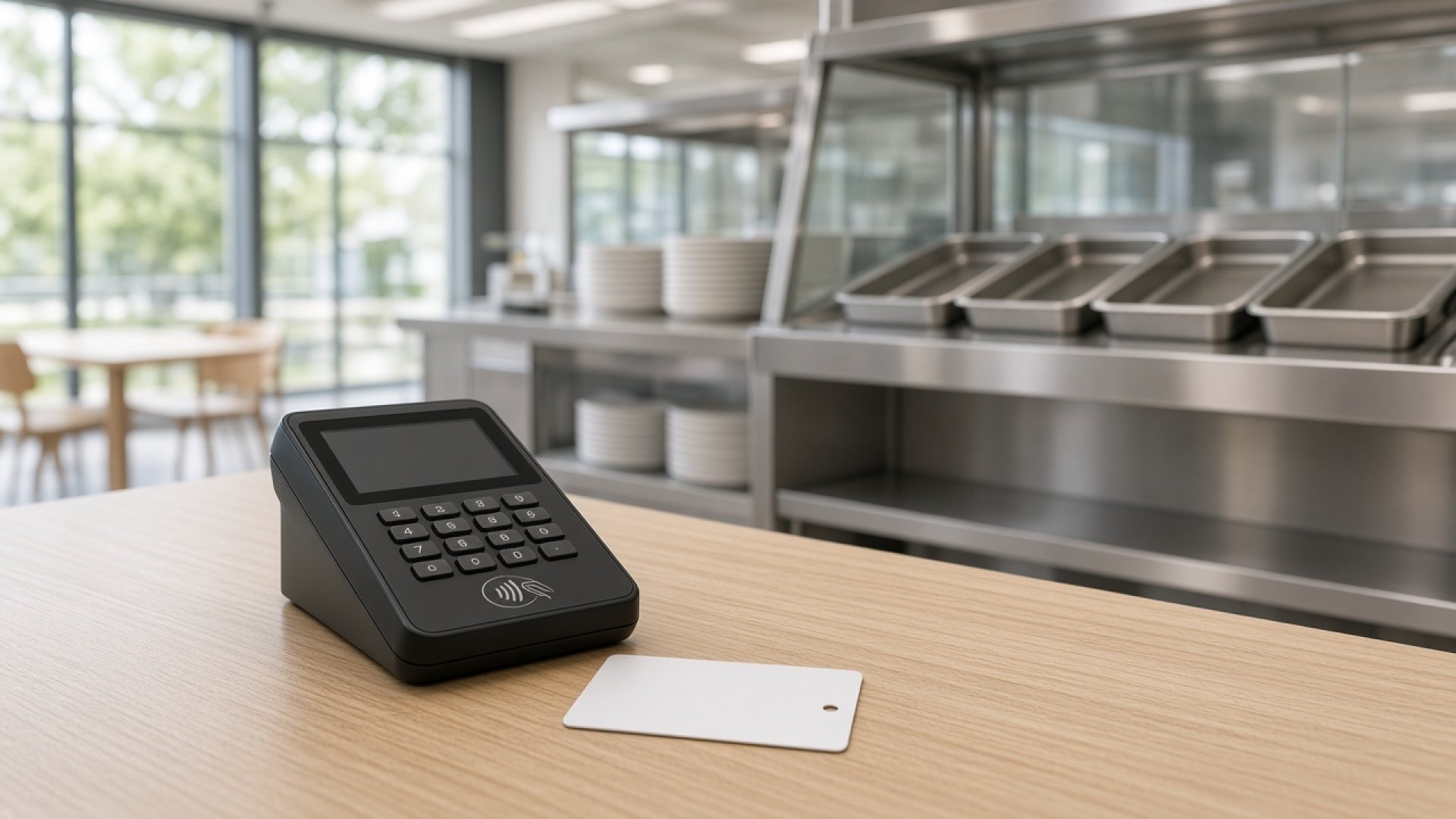
A cashless canteen payment system, sometimes called an e-canteen setup, deducts the meal cost through a staff card, a QR scan or an electronic wallet and records the sale in the system, instead of taking cash or tearing a paper coupon at the counter.
Cash still needs change counting and a manual close. Coupons help control a budget to a point, but printing, issuing and checking them take time. A canteen POS that supports cashless payment can show daily sales and link to meal welfare when rights are designed well. For queue ideas at lunch, see canteen lunch-rush queue management.
Which cashless payment options are common in workplace canteens?
Common options are RFID or NFC staff cards, QR payment, electronic-wallet funding and deduction from a meal subsidy or allowance. Many sites use more than one channel for different user groups.
- Staff canteen card: tap the card on a reader and deduct from the linked wallet; useful where an access card already exists.
- QR payment in the canteen: scan from a banking or organisation app; useful for visitors or people without a card yet.
- Electronic wallet: fund the wallet in advance, then pay at the point of sale; works in the canteen and in a welfare shop.
- Meal subsidy or allowance: the organisation credits a welfare wallet, kept separate from personal money.
Welfare shops and factory minimarts often discuss payment together with stock control; see factory minimart management. A workplace cafe may share the same channels as the main canteen; see workplace cafe management.
| Channel | Often suits | Points to check first |
|---|---|---|
| Staff card, RFID or NFC | Regular staff who already hold a card | Coordinate with IT and site security on card linking |
| QR scan | Visitors and people without a card | Need a stable network and a backup when a scan fails |
| Funded electronic wallet | Staff who want to spend beyond welfare | Keep welfare balances separate from personal balances |
| Meal subsidy or meal right | Organisations that grant a meal budget or per-meal right | Set expiry, use rules and reports for HR |
How does a meal subsidy differ from a personal wallet?
A meal subsidy is an organisation right used under set rules. A personal wallet is money the staff member funds and can use more freely. Separating the two keeps accounts clear and reduces disputes at month end.
- Welfare wallet: credited on a cycle, often limited to a main meal, and usually expires on a set cycle.
- Personal wallet: funded by the staff member; may cover drinks, snacks or extra meals under shop policy.
- Deduction order: state clearly whether welfare is used first, then personal funds if the balance is short.
Write the policy in the staff handbook and in the canteen agreement. For user feedback ideas, see employee canteen satisfaction survey.
How can cashless payment help shorten canteen queues?
Tapping a card or scanning a QR code is faster than counting change, so it can shorten queues when there are enough payment points, the menu is not too complex and there is a lane for cashless users.
- Separate the food pick-up point from the payment point.
- Prepare set meals or fast main dishes for the peak.
- Have a backup channel when a card reader or scanner fails, so the queue does not stop.
A payment system alone does not replace good queue design. See canteen lunch-rush queue management and the wider site picture in canteen management in factories, hospitals and international schools.

What offline or backup plan should you have when the network fails?
Write the backup in advance: canteen POS offline mode, a limited pre-authorised rights list, or temporary cash, plus how those sales will be matched when the network returns.
- Offline mode: ask how pending sales sync back and who owns a mismatch.
- Backup rights: some sites keep a short temporary list or code for when the main system is down.
- Temporary cash: name the cash holder, the count and the backup receipt so that day's sales stay in the report.
- Communication: tell staff and food vendors at once when the payment mode changes.
Put the backup in the contract and in the counter handbook; do not leave it as a verbal plan for the day of the outage.
What should vendor settlement cover?
Agree the settlement cycle, the report format by stall or by menu, how differences are handled and who approves, so vendors and the organisation look at the same figures.
- Daily sales summary and the transfer cycle set by finance
- Sales split by point, such as main canteen, minimart and cafe
- How voids, refunds and trial meals are treated
- Whether each vendor sees only their own sales
These points can sit in an RFP, following the canteen outsourcing RFP guide for HR and procurement and how to choose a canteen caterer.
Which reports should HR and procurement ask for?
At a minimum ask for welfare use, personal wallet funding, sales by point and by time window, voids and remaining rights, so budgets and menus can be reviewed with evidence.
- Welfare use by department or by shift, if organisation policy allows
- Peak-window sales, to see whether more payment points are needed
- Expired rights and unused rights
- Admin access logs, to protect personal data under organisation policy
Good reports support a factual review of the canteen operator and link to the switch-provider transition checklist.
How do factories, hospital staff canteens and international schools differ?
The idea of a cashless canteen payment system is similar, but users, shifts and data rules differ, so channels and rights should be tuned to each site.
| Point | Factory | Hospital staff canteen | International school |
|---|---|---|---|
| Users | Multi-shift staff and contractors | Clinical and support staff in the staff canteen only, not patient meals | Teachers, staff and students under school policy |
| Channels often used | Staff card and welfare wallet | Staff card or QR that is easy at shift change | Student card or a wallet that guardians can fund under school policy |
| Points to watch | Night shifts and short breaks | Keep the staff canteen separate from patient meal systems | Daily spend limits, guardian consent and protection of children's data |
This article covers hospital staff canteens only, not patient meals. For a multi-site overview, see canteen management in factories, hospitals and international schools.
Checklist of questions before buying or signing
Ask about technology, data rights, settlement, training and exit terms so gaps do not appear only after go-live.
- Can the system use the organisation's existing staff cards, and who owns card linking?
- What offline mode or backup applies when the network fails?
- Can welfare and personal wallets be separated, and what is the deduction order?
- Which reports can be exported, and who may see personal data?
- What is the vendor settlement cycle, related fees and who owns differences?
- Is there counter staff training and a Thai-language handbook?
- What are the exit terms, history hand-over and data deletion when the contract ends?
Procurement can attach this checklist to the RFP alongside how to choose a canteen caterer.
Frequently asked questions about cashless canteen payment systems
Must a cashless canteen payment system remove cash completely?
No. Many sites start with cashless as the main channel and keep cash as a backup during the changeover. What matters is stating when each channel is used and recording both fully.
Which suits better, a staff canteen card or QR?
A card suits regular staff who already pass an access gate. QR is more flexible for visitors or people without a card. Many organisations use both for different groups.
How should a pilot start?
Start with a pilot group, such as one department or one meal, check deductions, reports and vendor settlement, then roll out across the site.
How should staff spending data be handled?
Limit access, name owners and follow the organisation's personal-data policy, and tell staff what is stored.
Does TJ FAVOR GROUP sell or install cashless payment systems?
The website tjfavor.com does not list cashless payment systems or canteen POS as a TJ FAVOR GROUP product or service. This article is general guidance only. The team gives initial advice on canteen management and catering. If your organisation wants to talk about food-service scope, please contact us directly.
Talk to TJ FAVOR GROUP about canteen management
TJ FAVOR GROUP is a Bangkok-based canteen management and event catering company with more than seven years of restaurant experience. The team is ready to give initial advice on staff food-service management. This is not a sale of a payment system.
- LINE: @tjfavor (include the @)
- Tel: 063-878-8169 / 087-746-0044 / 096-949-6622
- Website: tjfavor.com
See canteen management, event catering, about us or contact the team.


